Guides / 01
Make your first vault
A vault takes about a minute to make. Have a pen and paper ready: you will write down 12 words.
01Guide
Steps
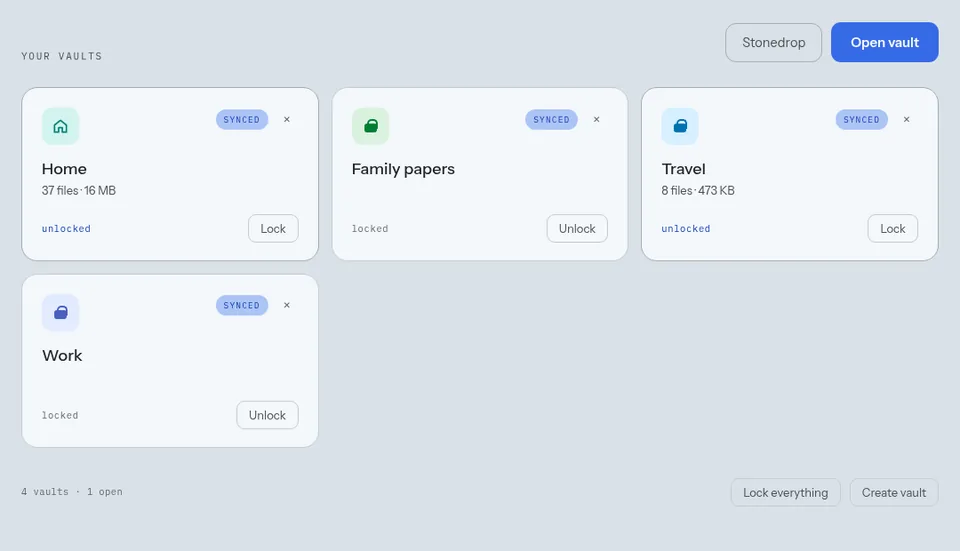
- On the vault list, choose Create vault.
- Give it a name, such as Taxes or Family.
- Choose a password, and type it twice. It cannot be the password of another vault on this device.
- Choose where it lives. In the web app: Synced or Stream. On Android: Phone copy only, Phone copy and cloud, or Phone copy off.
- Write the 12 words of the recovery key on paper, in order. Tick I have written this key down somewhere safe.
- Type the words back. The vault opens.
Good to know
- Your account has a home vault that opens when you sign in. Make other vaults for files that need a password of their own.
- A Stream vault, or one with Phone copy off, does not appear on the vault list. You open it again with Open vault.
Next guide: Keep your recovery key safe