Get Stonesafe on your devices.
The same account and the same vaults on every device. Sign in with your email address and your account password, then open each vault with its own password.
Web app
Runs in a current browser on a computer, a tablet or a phone. Nothing to install. Works on iPhone and iPad in Safari.
my.stonesafe.app
Android
The full app, with phone copies that work offline, Folder backup, the in-app camera and screens that stay out of screenshots. Needs Android 10 or newer.
Coming to Google Play
iPhone, Windows, macOS, Linux
There is no native app for these yet. The web app runs in their browsers, with the same vaults and the same encryption.
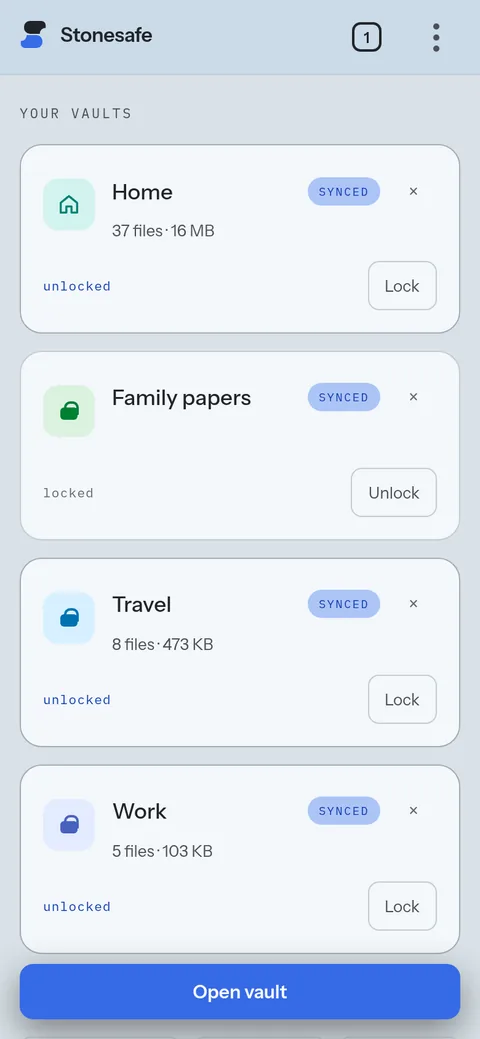
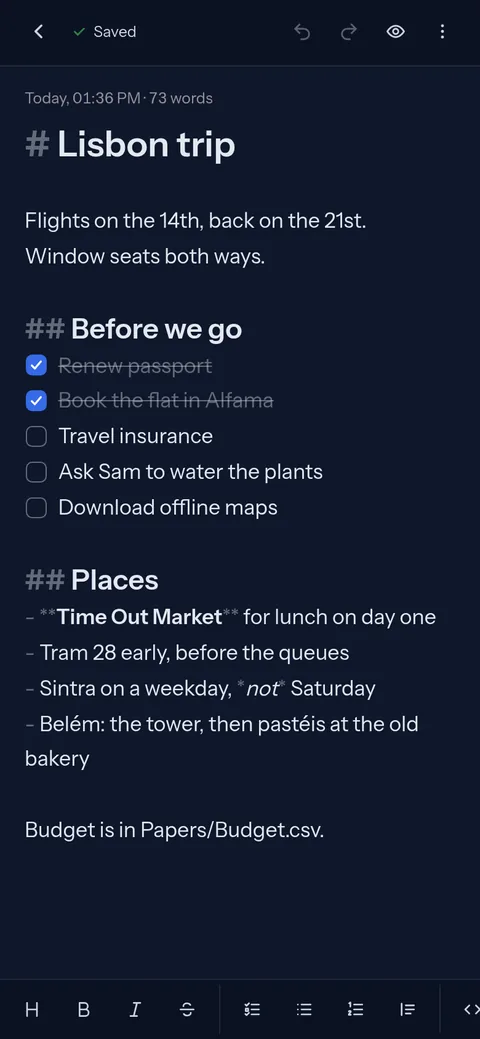
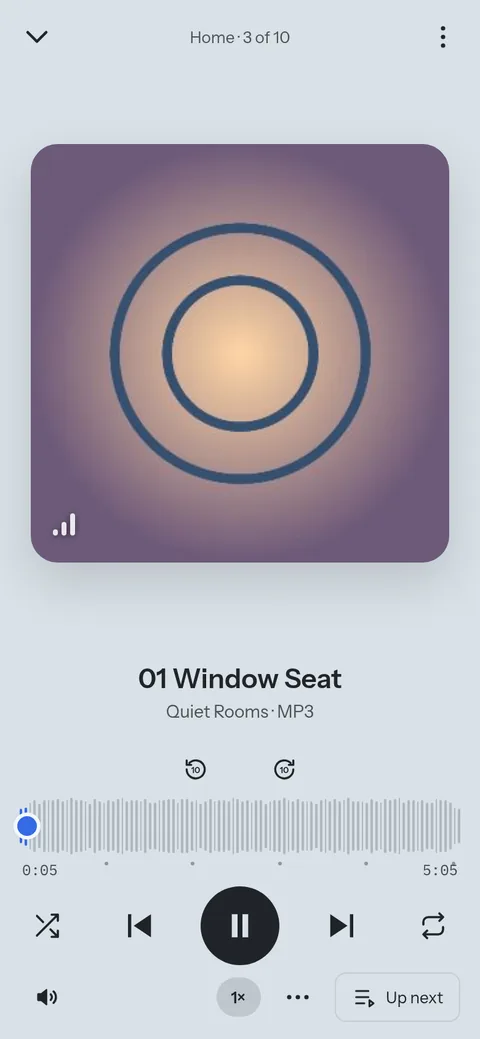
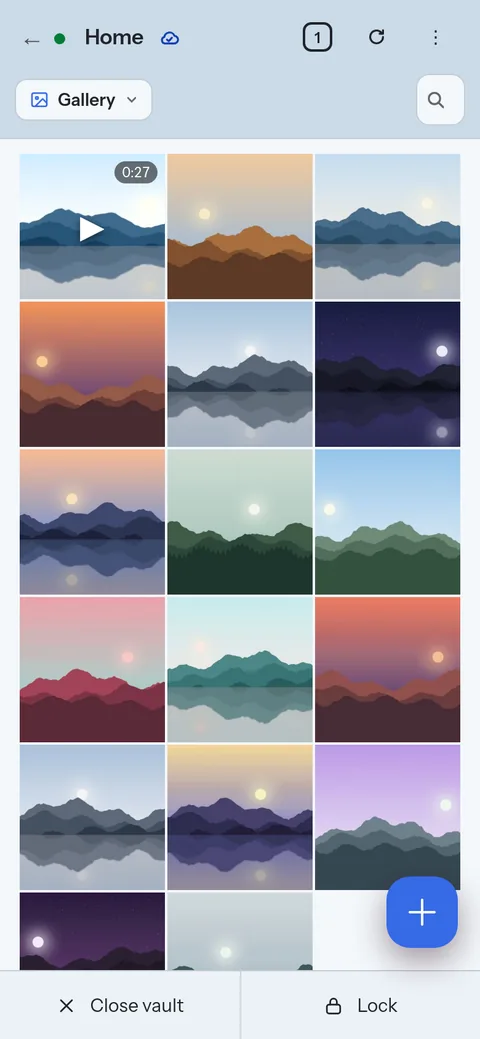
The Android app.
The same vaults on your phone. A vault with a phone copy opens with no signal, photos from the in-app camera go straight into it, and Folder backup adds new photos from a phone folder by itself.
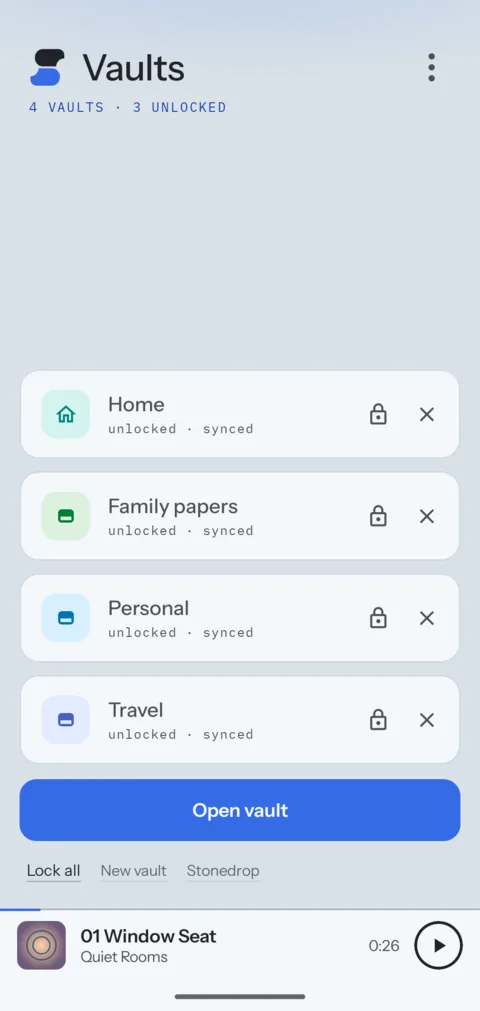
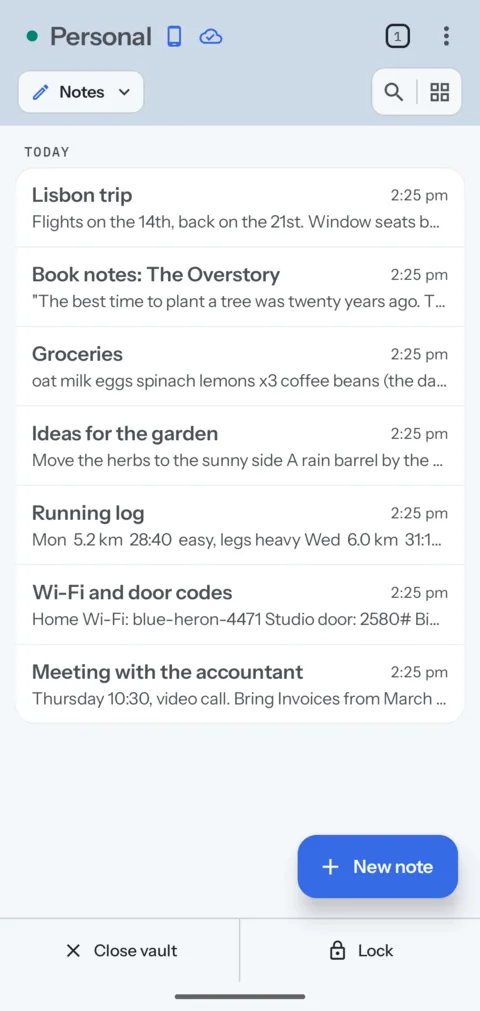
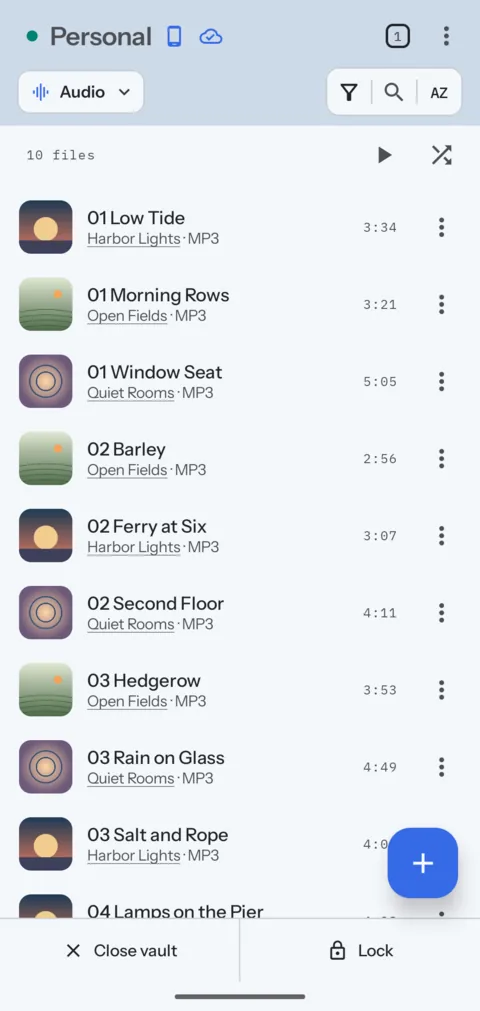
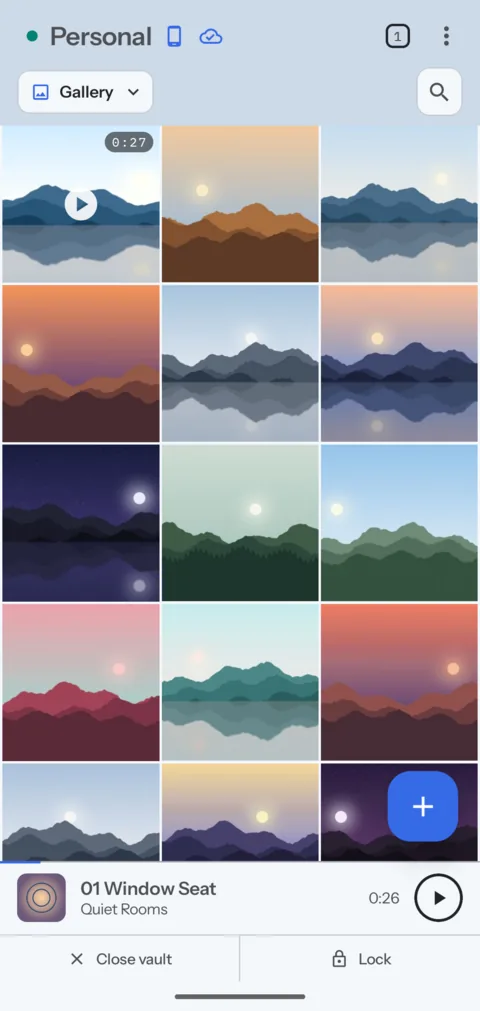
The web app on a phone.
On an iPhone, or any phone without the Android app, open the web app in the browser. It takes a phone's shape, with the same modes and players.