Guides / 12
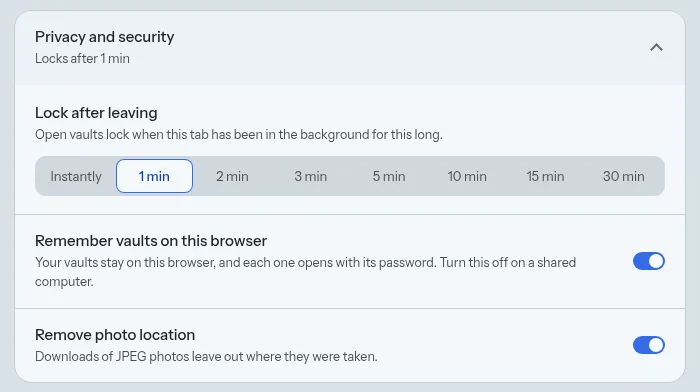
Set when vaults lock
Vaults lock on their own when you leave the app. You choose how soon.
12Guide
Steps
- Open Settings, then Privacy and security.
- Under Lock after leaving, choose Instantly, or 1, 2, 3, 5, 10, 15 or 30 minutes.
Good to know
- On a phone, vaults also lock at once when the screen turns off.
- Lock everything on the vault list locks every vault right away.
- An upload that is running finishes before the vault locks.
Next guide: Make your first vault