Guides / 09
Listen to music and recordings
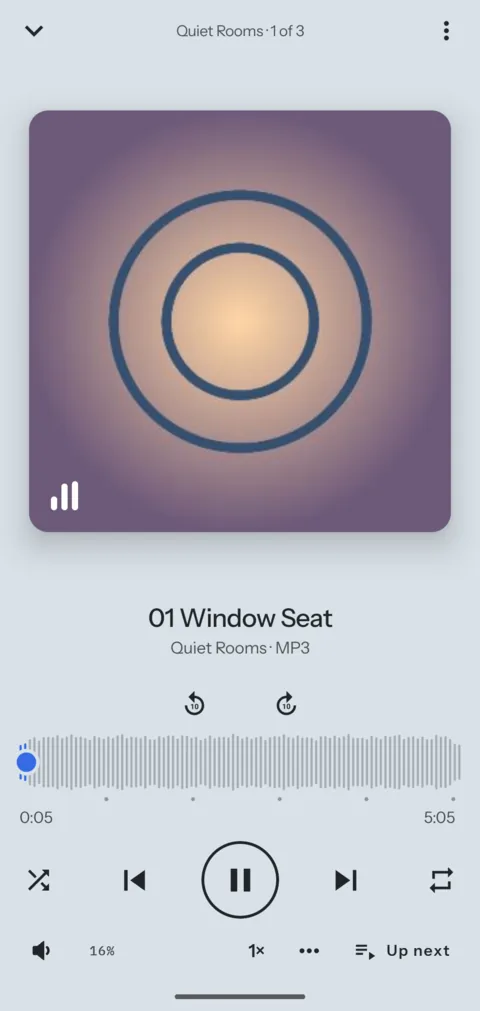
The Audio mode shows the sounds of a vault. Put each album or series in a folder of its own, and the folder becomes a card with its cover.
09Guide
Steps
- Add your music to a vault, one folder per album or series.
- Pick Audio from the mode menu.
- Choose Folders to see each folder with its cover, then play one. On a phone, Folders is behind the filter button.
- To build a playlist, open a track's menu (⋮) and choose Add to playlist, then New playlist.
- Resume at the top of All plays the list you played last, from the track you stopped on. A folder or a playlist page also says Resume where its list stopped.
Good to know
- On Android the music keeps playing with the screen off. The lock screen shows the app's name, not the track.
- In the player's options (⋯) you find the speed, a sleep timer and a volume boost up to 150%.
Next guide: Back up a phone folder